How to Confirm an ACB Arrow
Treat an arrow as a chart event to evaluate, not as an automatic order. Wait for the signal candle to close before recording or acting on a setup, then check whether the broader trend, nearby price structure and available room to the next important level support the idea.
The ACB Trade Filter indicator can add separate trend and histogram context. A green histogram with a bullish trend can support a buy-arrow review, while a red histogram with a bearish trend can support a sell-arrow review. A gray histogram or sideways trend is a reason to be more selective, not proof that a trade will fail.
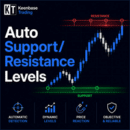
The KT Support and Resistance indicator can help identify nearby price zones. A signal close to a major opposing level may have limited room, so define the invalidation point and risk before making a decision.
Input Parameters and Alerts
- History Bars: Sets how many historical bars the indicator processes.
- Signal Sensitivity: Adjusts the sensitivity used by the arrow logic.
- Bars for SL: Sets the number of bars considered when calculating the stop-loss reference.
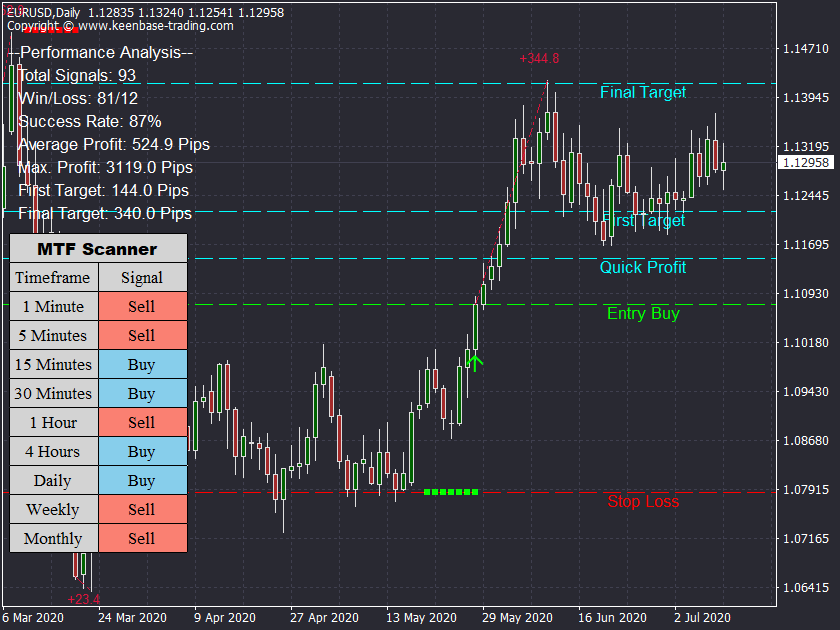
- Show Target Lines: Shows or hides the stop-loss, quick-profit and profit-target lines.
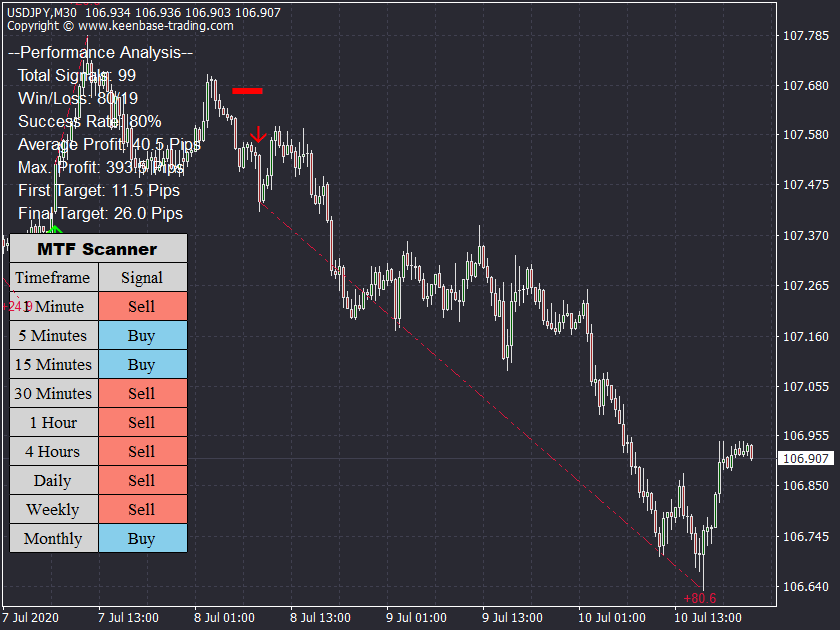
- Performance Analysis: Shows or hides the historical performance panel.
- Success Criterion: Selects the criterion used by the historical analysis.
- Show MTF Scanner: Shows or hides the multi-timeframe scanner panel.
- Popup Alert: Displays an on-screen alert when enabled.
- Email Alert: Sends an email through a correctly configured MetaTrader terminal when enabled.
- Push Notification: Sends a mobile notification through a correctly configured MetaTrader terminal when enabled.
- Sound Alert: Plays the selected terminal sound when enabled.
Change one input at a time and compare enough completed historical examples. A higher or lower sensitivity setting changes which conditions qualify; it does not guarantee that the resulting arrows will be more accurate.
How ACB Breakout Arrows Works
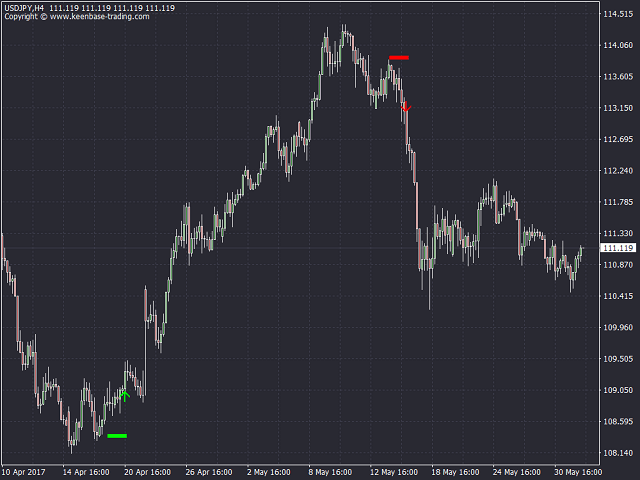
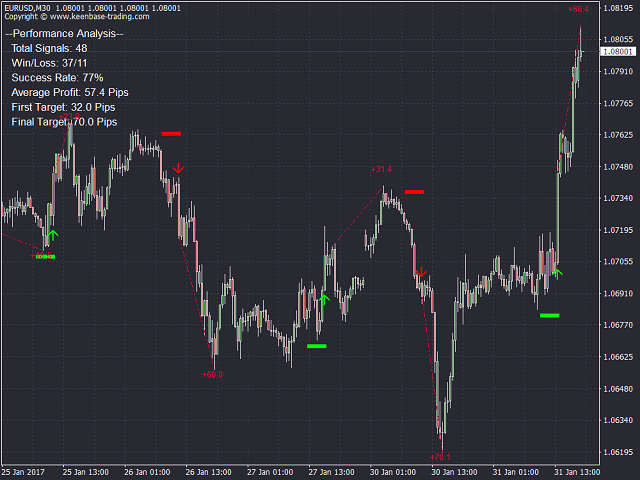
The indicator monitors its internal breakout conditions and plots an upward or downward arrow when those conditions are met. The ACB name identifies this product and its signal logic; the page is intended for users evaluating ACB breakout-arrow behavior rather than every type of MT5 breakout indicator.
The plotted arrows are visual references. They do not open, manage or close trades, and static source inspection cannot establish that every arrow will precede a large move or profitable result.
Reading the Stop-Loss and Target Lines
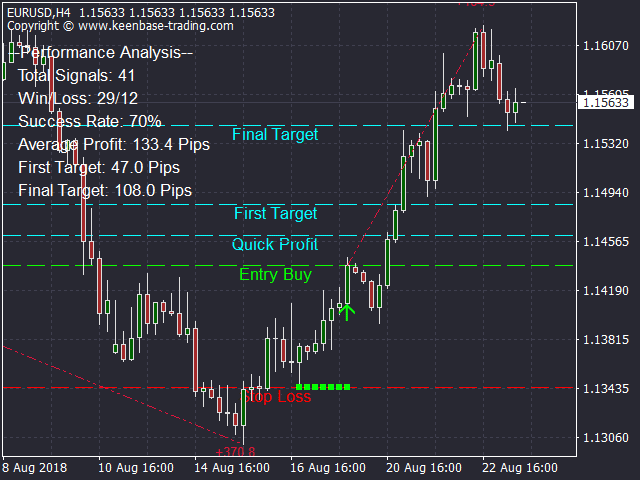
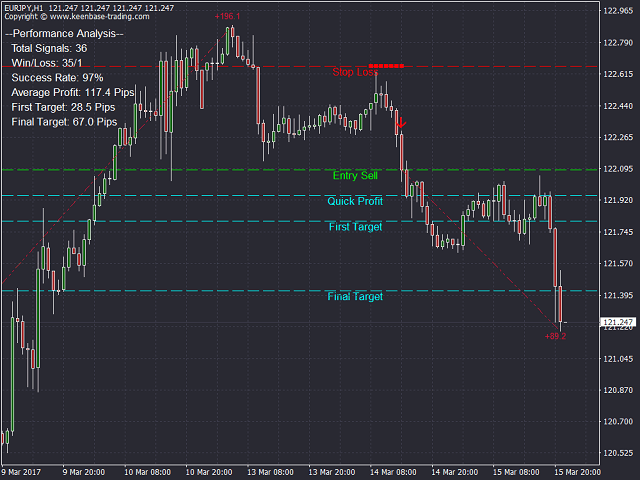
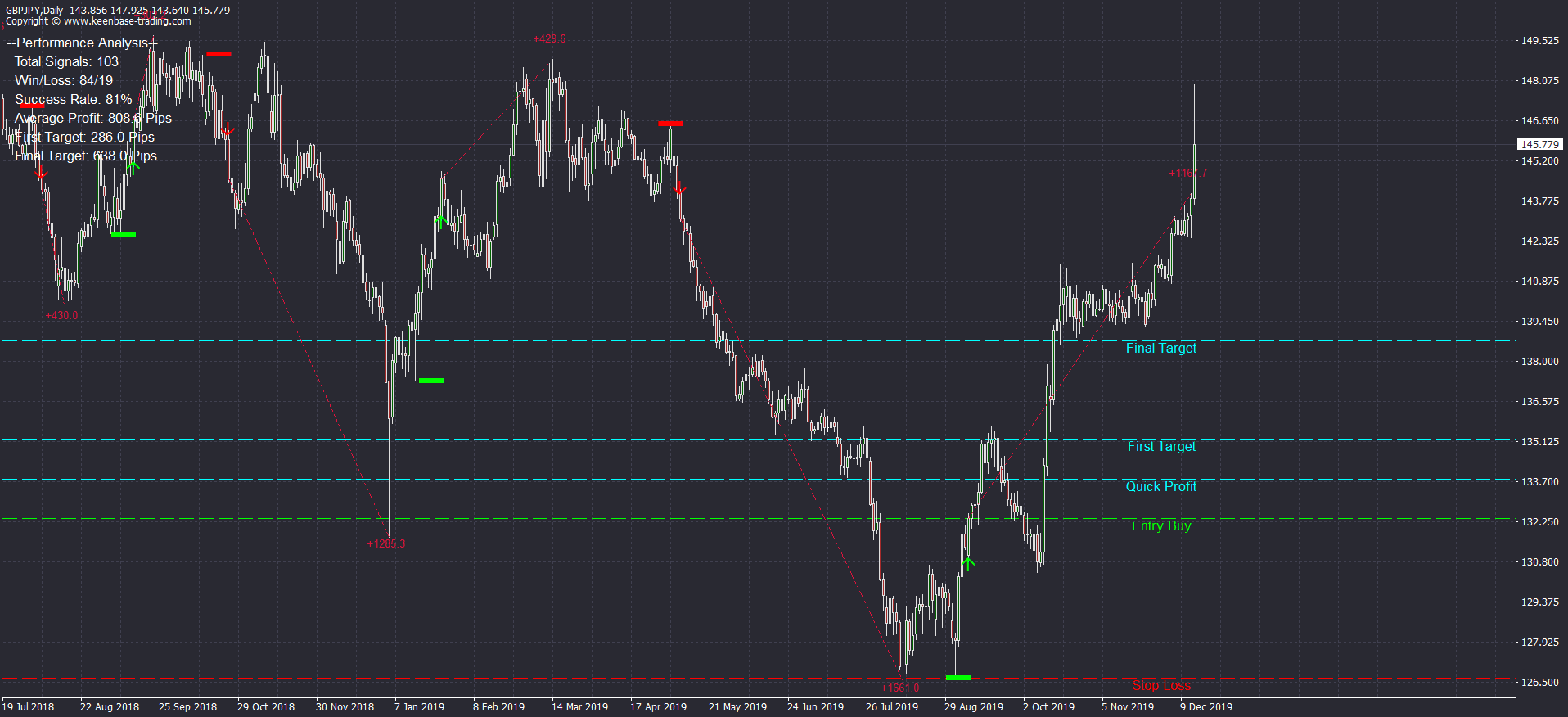
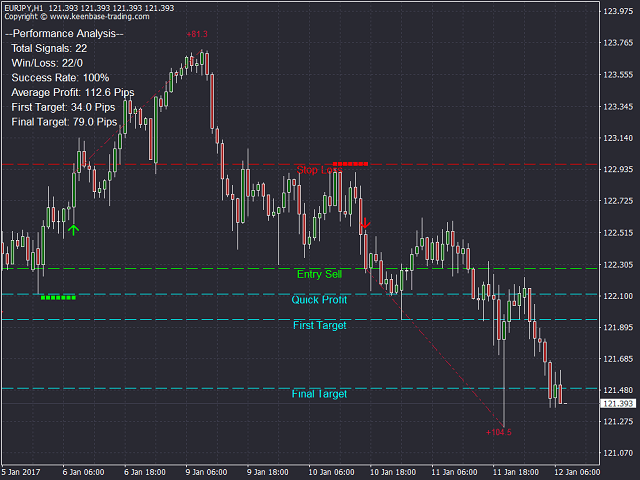
When target lines are enabled, the chart can show the entry reference, stop-loss level, quick-profit line and additional profit targets associated with a signal. These levels make the planned structure visible and can help with historical review.
The lines are references rather than guaranteed exits. Spread, slippage, volatility and price gaps can change actual execution. Check that the distance to the stop and target suits your position-sizing rules before considering a trade.
Performance Analysis and the Multi-Timeframe Scanner
Performance Analysis summarizes historical signal outcomes according to the selected success criterion. Use it to compare settings on completed chart history, not as a forecast of future win rate, profit or account growth. Results can change with the symbol, timeframe, data history, spread and market regime.
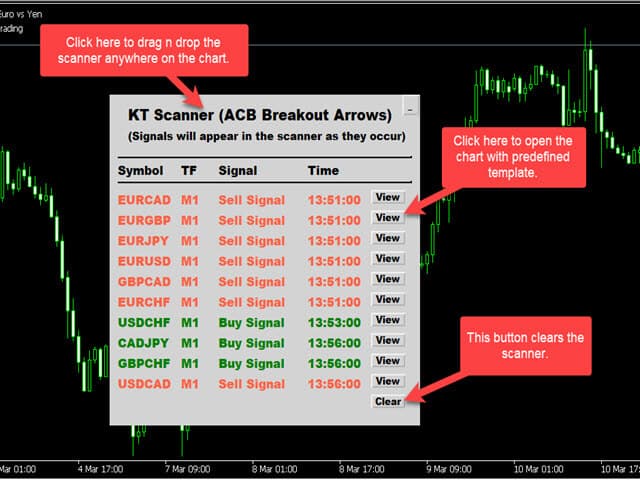
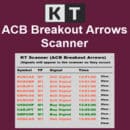
The optional multi-timeframe scanner panel helps review ACB signal status across timeframes without changing the open chart repeatedly. If you need separate multi-symbol monitoring, the ACB Breakout Arrows Scanner is available as a different product. A scanner notification still requires chart review and risk validation.
Installing the Indicator on MT4 or MT5
- Download the version that matches your MetaTrader platform.
- In MetaTrader, open File, then Open Data Folder.
- Place the indicator file in the platform's MQL4/Indicators or MQL5/Indicators folder.
- Restart MetaTrader or refresh the Indicators list in the Navigator.
- Attach ACB Breakout Arrows to a chart and review the inputs before testing it.
- Configure terminal email or mobile notification settings separately if you want to use those alert channels.
Completed-Bar Validation and Testing
Use completed candles when evaluating signals to ensure the same rule is applied consistently in both historical and forward testing. Record the symbol, timeframe, sensitivity, signal time, stop reference, target reference, and outcome according to predefined criteria.
Frequently Asked Questions
Does ACB Breakout Arrows work on MT4 and MT5?
Yes. Separate MT4 and MT5 versions are available, along with an MT4 + MT5 purchase option.
Does the indicator place trades automatically?
No. It plots arrows and reference levels on the chart. The trader decides whether and how to act on them.
Can I change the arrow sensitivity?
Yes. Signal Sensitivity is adjustable. Test changes against completed chart history because more or fewer signals do not automatically mean better signals.
What do the target lines show?
When enabled, they show stop-loss, quick-profit, and profit-target references associated with a signal.
What does Performance Analysis measure?
It reviews historical signal results using the selected success criterion.
Which alerts are available?
Popup, email, push-notification and sound alerts are available. Email and push delivery require the corresponding MetaTrader terminal settings to be configured.














 best indicators
 great company